Deep Dive: Fixing DPI Scaling for Embedded Processes in WPF

· 7 min read
BornToBeRoot
Maintainer of NETworkManager

Modern Windows setups with multiple monitors at different scale factors (100 %, 125 %, 150 %, …) expose a hard Win32 limitation the moment you embed a foreign process window into your own application via SetParent. Windows simply does not forward WM_DPICHANGED across process boundaries.

This article documents the investigation and the two different solutions NETworkManager uses for its embedded PowerShell (a console host process) and PuTTY (a GUI process) tabs — together with the complete, relevant C# source code.

Improved Light Theme Readability

· One min read
BornToBeRoot
Maintainer of NETworkManager

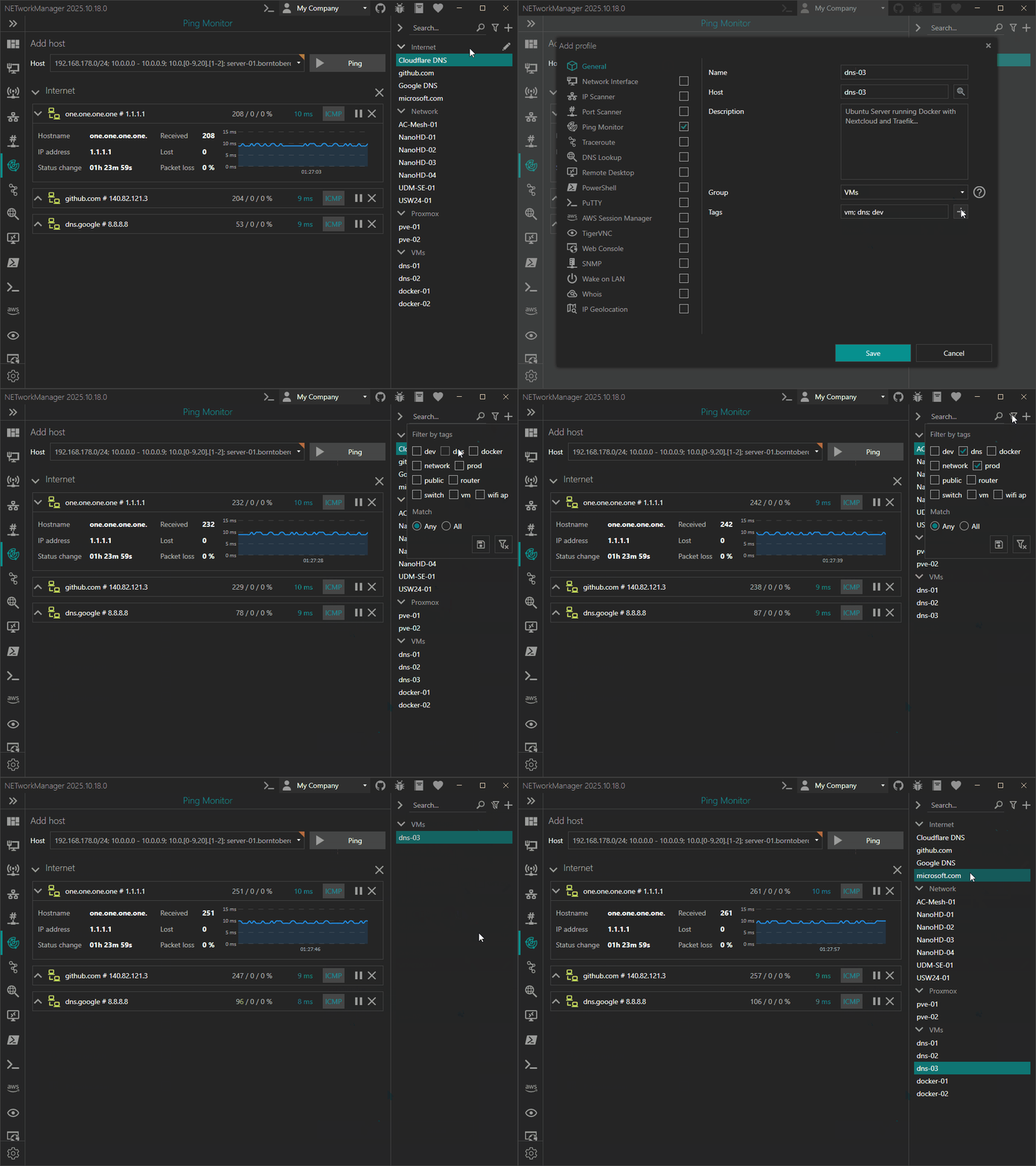
The latest release of NETworkManager (version 2025.10.18.0) introduces major enhancements to the light theme, improving both readability and overall user experience.

In this version, the code that handles theming has been completely rewritten, providing granular control over colors and styles. This allows users to fine-tune the light and dark themes independently, ensuring better contrast, visibility, and accessibility across the interface.

The light theme has already received several improvements to enhance readability, and more adjustments are planned for future releases based on user feedback. So please don’t hesitate to share your thoughts on the GitHub issue tracker.
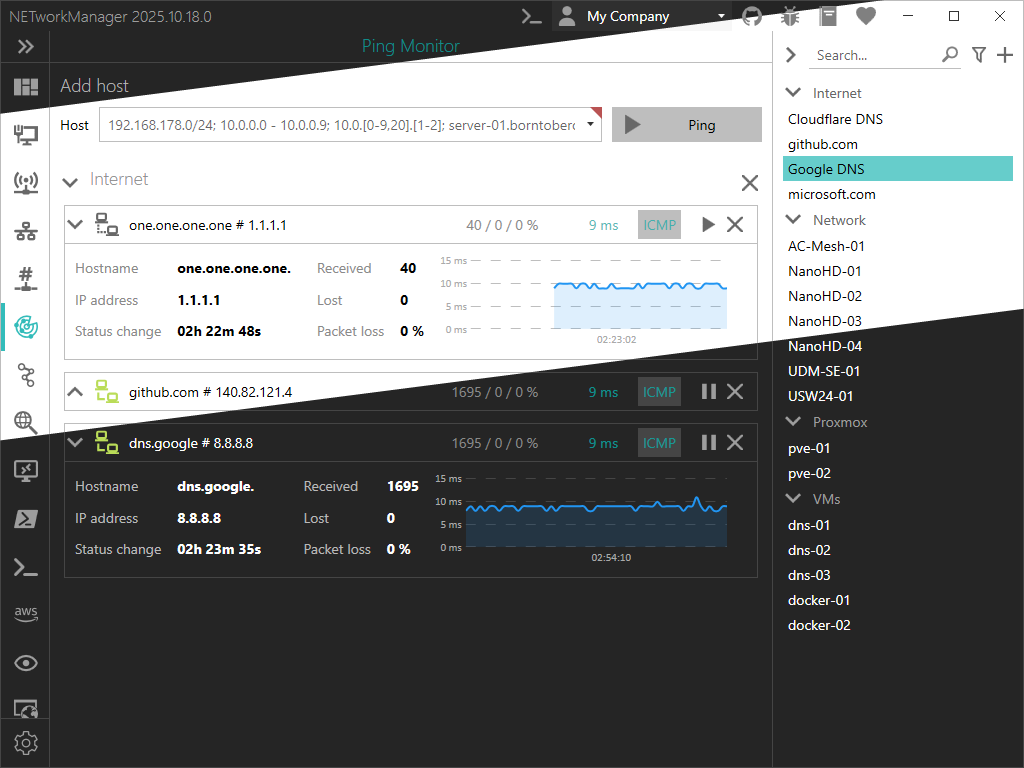

Preview - Light theme

Introducing Hosts File Editor

· 2 min read
BornToBeRoot
Maintainer of NETworkManager

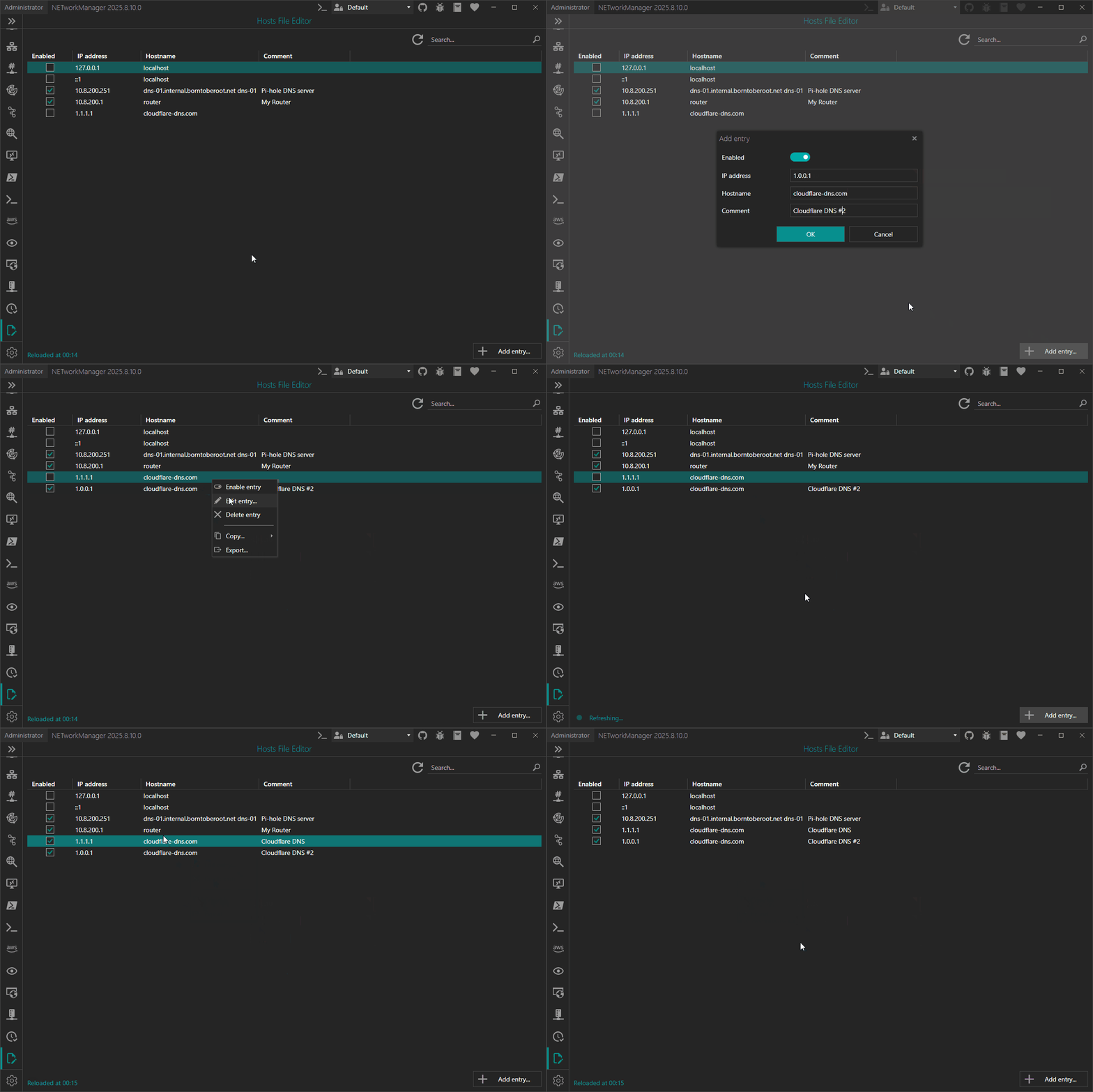
NETworkManager 2025.8.10.0 introduced a new feature, the Hosts File Editor. You can now easily manage and edit your system's hosts file in a user-friendly interface.

As a sysadmin or developer, you often need to modify the hosts file in order to override DNS settings for specific domains, redirect traffic, or test websites locally.

Hosts File Editor